
Booking a Flat at The Reserve, Sinhgad Road: The Process, Step by Step
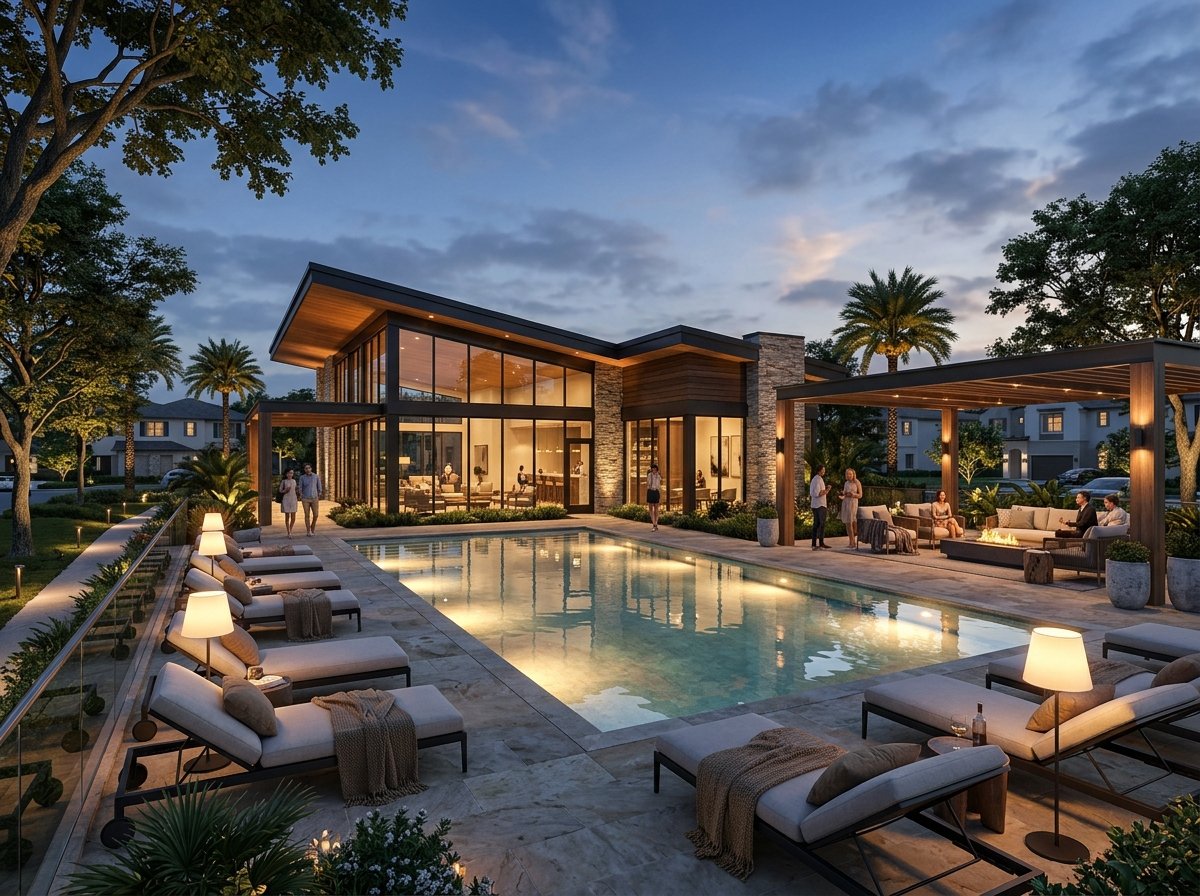
Booking a flat at The Reserve by Kolte-Patil usually moves through eight stages: enquiry, site visit, an expression of interest (EOI), unit selection, a unit-wise cost sheet, the booking itself, the agreement for sale with registration, and finally the home loan.
The EOI is the first payment most buyers make. The channel partner publishes two tiers — Gold at ₹1 lakh and Platinum at ₹2 lakh — and an EOI unlocks pre-launch pricing for a period set by the developer.
Below is what happens at each stage, what to have ready, and what to check before you hand over any money.
The booking journey at a glance
| Stage | What happens | What you should check |
|---|---|---|
| 1. Enquiry | Share your budget and configuration | You are dealing with a MahaRERA-registered agent |
| 2. Site visit | See the location, layout and sample material | Tower positions, approach road, views |
| 3. EOI | Pay Gold (₹1 lakh) or Platinum (₹2 lakh) | Receipt, payee name, refund terms in writing |
| 4. Unit selection | Choose tower, floor and unit number | Plan sheet for that exact unit |
| 5. Cost sheet | Receive the unit-wise breakdown | Every line item, compulsory vs optional |
| 6. Booking | Sign the booking form and make the first payment | Amount, payment schedule, cancellation terms |
| 7. Agreement & registration | Sign and register the agreement for sale | Carpet area, possession date clause, RERA number |
| 8. Home loan | Bank sanction and disbursement | Project approval with your lender |
Step 1: Enquiry
Start by telling the sales team three things: the configuration you want, your realistic all-in budget, and whether you will take a home loan. That lets them shortlist suitable units before you visit.
You can begin with a call or the enquiry form. If you are searching for Kolte Patil online booking, note that the early steps — enquiry, plan sharing and scheduling — can usually be handled remotely, but ask the sales team exactly which steps can be completed online and which need a visit or physical signature.
Ask early for the MahaRERA registration of the agent you are speaking to, and note the project's own registration: Phase 1 is registered as "Vyana Phase-I-T5, T6, T7", number PM1261012600748.
Step 2: Site visit
The site is at Vadgaon Khurd, Sinhagad Road, with Nanded City as the immediate neighbour. Plan your visit for a weekday if you can, so you see the approach road under normal traffic.
On the visit, try to understand:
- Where towers T5, T6 and T7 sit within the 21.03-acre master layout.
- Which direction the balconies of your preferred layout face.
- The riverside greens and the central landscaped boulevard, and how far they are from the tower you like.
- Parking: two basements and a stilt level, with covered, mechanical and open spots.
Our location and connectivity guide is useful to read before you go.
Step 3: Pay the EOI (Gold or Platinum)
An EOI is not a booking. It is a token that signals intent and, according to the channel partner, unlocks pre-launch pricing for a period the developer sets.
| EOI tier | Amount | What to confirm before paying |
|---|---|---|
| Gold | ₹1 lakh | Which units or priority it covers; validity period |
| Platinum | ₹2 lakh | What extra priority it gives over Gold; validity period |
The difference between the tiers — for example, priority in unit selection — is decided by the developer for each release, so ask the sales team to explain it for the current window.
Before you pay the EOI at The Reserve, get answers in writing to these questions:
- Is the EOI fully refundable if you do not proceed? Within how many days?
- Is it adjusted against the booking payment if you do proceed?
- In whose name should the cheque or transfer be made?
- What exactly is the pricing window it unlocks, and when does it end?
Always pay by cheque or bank transfer to the account named in the developer's official documentation, and keep the receipt.
Step 4: Select your unit
Once allotment opens, you choose a tower, floor and unit. This is where the plan sheet matters. Ask for the plan of the specific unit, not just the "typical" layout.
The client-approved plan sheets show these configurations, with carpet area as per the plan sheet or channel-partner cost sheet:
| Configuration | Area (as per plan / cost sheet) | Towers | Indicative price* |
|---|---|---|---|
| 2 BHK Premium | 770 sq.ft. | T7 | EOI from ₹84.99 lakh, ₹87 lakh on launch |
| 2 BHK Large | 811–832 sq.ft. | T5 / T6 | EOI from ₹89.99 lakh, ₹92 lakh on launch |
| 2 BHK X-Large (corner) | 877 sq.ft. | T6 / T7 | EOI from ₹97.49 lakh, ₹99.5 lakh on launch |
| 2.5 BHK | Confirm with the sales team | — | Confirm with the sales team |
| 3 BHK (middle / corner / refuge corner) | 1,166 / 1,295 / 1,259 sq.ft. | Ask | On the unit-wise cost sheet |
| 4.5 BHK corner | 1,637 sq.ft. | Ask which tower and phase it is released in | On the unit-wise cost sheet |
*Indicative all-inclusive prices from the channel-partner cost sheet; on-possession charges, registration, GST and statutory charges are extra. The final carpet area is the one stated in the agreement for sale.
For the full Kolte Patil The Reserve price list and floor plans, see our complete buyer's guide.
Step 5: Read the unit-wise cost sheet
The cost sheet is the most important document before booking. Go through it line by line. A typical sheet may include:
- Basic cost of the unit.
- Floor-rise or preferred-location charges, if any.
- Parking: 2 BHK gets one parking; 3 BHK gets one or two as per allotment. Confirm the type (covered, mechanical or open).
- On-possession charges such as society formation, maintenance deposit or similar — ask for each one by name.
- GST, stamp duty and registration, shown separately.
For each line, ask: is this compulsory, is it fixed, and when is it payable? Statutory charges follow their own rules, so check our stamp duty and registration guide rather than relying on rough estimates.
Step 6: Make the booking
The booking stage converts your interest into a reserved unit. You will usually sign a booking or application form and make a payment. Ask the sales team what The Reserve booking amount is for your unit, and whether the EOI is adjusted against it.
Read the booking form for:
- The unit number, tower, floor and carpet area — matching the cost sheet.
- The payment schedule, usually linked to construction stages.
- Cancellation terms and any deduction if you withdraw.
Do not sign a blank or partly filled form.
Step 7: Agreement for sale and registration
For a RERA-registered project, the agreement for sale is the legal heart of the purchase. It is registered at the sub-registrar's office, and stamp duty and registration fees are paid at this stage.
Check that the agreement:
- States the MahaRERA registration number of the phase.
- Gives the carpet area under the RERA definition, with balcony areas listed separately.
- Mentions the completion date as declared in the MahaRERA registration. Our MahaRERA and possession guide explains how to read it.
- Lists the specifications you were shown — for example aluform construction, vitrified tiles, AC provision in living-dining and bedrooms — or refers to a specification annexure.
- Repeats the parking allotment.
Ask for a draft a few days before registration so you, or your lawyer, can read it without pressure.
Step 8: Arrange your home loan
If you are borrowing, start the loan conversation early — ideally right after the EOI. Ask your bank whether the project is already approved with them; if not, they will run their own check.
The bank will typically need the agreement for sale, the cost sheet, the developer's allotment letter and your income documents. For EMI planning, use our EMI and home loan guide instead of rule-of-thumb figures.
Documents to keep ready
Having these ready avoids delays at the EOI and booking stages:
| For | Documents |
|---|---|
| Identity and address | PAN card, Aadhaar card, passport-size photographs |
| Co-applicant | The same KYC set for each co-applicant |
| Salaried buyers | Recent salary slips, Form 16, bank statements |
| Self-employed buyers | Income tax returns, business proof, bank statements |
| NRI buyers | Passport, visa or residence proof, overseas address, NRE/NRO account details |
| Payment | Cheque book or net banking for the EOI and booking payments |
Your bank or lawyer may ask for more; treat this as a starting list.
Red flags to watch for
Most bookings go smoothly, but walk away or pause if you see any of these:
- A request to pay cash, or to transfer to a personal account.
- No written receipt for any payment.
- A registration number on a brochure that does not match the MahaRERA record.
- Verbal promises — on price, views, parking or possession — that are not written into the cost sheet or agreement.
- Pressure to sign the same day without seeing a draft agreement.
- A cost sheet with vague lines such as "other charges" without a breakdown.
Frequently asked questions
What is the EOI amount for The Reserve?
The channel partner publishes two EOI tiers: Gold at ₹1 lakh and Platinum at ₹2 lakh. The EOI unlocks pre-launch pricing for a period set by the developer. Confirm refund and adjustment terms in writing before paying.
Is the EOI the same as booking?
No. The EOI is an expression of interest. Booking happens later, when you select a specific unit, sign the booking form and make the payment set for that unit.
What is the booking amount at The Reserve?
It depends on the unit and the current release. Ask the sales team for the figure on your unit-wise cost sheet and whether your EOI is adjusted against it.
Can I book online?
Enquiry, plan sharing and some payments can often be handled remotely. Ask the sales team which steps of the current process can be completed online and which need your signature in person, especially registration.
When will I get possession?
The completion date is the one declared in the MahaRERA registration for Phase 1 (PM1261012600748). Check it on the MahaRERA website and in your agreement for sale.
Summing up
Booking at The Reserve is straightforward if you take it one step at a time. Treat the EOI as a reservation of interest, not a commitment. Read the cost sheet line by line, insist on a draft agreement, and check every number against the MahaRERA record.
Ask for the unit-wise cost sheet or book a site visit: talk to the sales team.
Prices and areas are indicative and subject to change; verify all details on MahaRERA (registration PM1261012600748). This site is operated by an authorised channel partner, not by the developer.
Interested in Floor Plans & Early-Bird Pricing?
Request the full digital brochure, cost sheet breakdown, and schedule a private site visit.